
This is how I actually use AI agents to ship real features to production
Whether you like it or not, AI agents are creeping into our workflows as a developer and in this article, I wanted to talk about how I am structuring my daily work and my projects for an ideal developer experience.
This article is also available in video form - if you prefer that:
About me
If you’re new here, my name is Sabatino 👋
I’ve been a professional developer since 2014.
I currently run two of my own projects:
- a multi-tenant food ordering platform
- and a baby registry platform
Both platforms are specific to the Belgian market.
Across those two platforms, we have about 1.2 million monthly active users.
To put that into perspective: Belgium has a population of about 11 million people.
That means roughly 1 in 10 Belgians interact with one of my products every month - which is mindblowing.
What I’m about to illustrate in this article is how I use Agentic coding today as of february 2026, and I use this to get features into production and in the hands of actual users.
Let’s dive in.
The agent loop
By now, I guess we’ve all seen the loop technique called Ralph go viral in the beginning of 2026, and it also had a big impact on how I develop today.
Everything starts with a Product Requirement Document. This is actually the most important part of agentic coding and I use a Claude Code skill to help me write the first draft and then I make manual edits until I think it’s perfect. You can use plan mode for this, but I found that just saying ‘ask follow up questions’ into your prompt works just as well.
I spend a lot of time on this step, writing documentation, pseudo-code, database schemas - you name it.
Let’s say we want to introduce Stripe as a payment provider, I would do something like this:
claude "/prd I want to integrate Stripe as a payment provider"
Claude will scan the code and look for patterns we used while integrating other payment providers and it’ll come back with a few questions that I can answer before it’ll create the PRD.
Once the PRD has been written the the filesystem, I’ll go in and manually make edits to make sure it meets my own quality standards.
# Example PRD

This is an example Product Requirements Document (PRD) to validate the agent works as expected.

## Objective

The objective of this PRD is to validate the functionality of the agent in handling product requirements documentation.

## TODO's

- [ ] Mark this checkbox as done
- [ ] Output 'Hello, World!' when executed
The PRD will be loaded into the context of the model on every iteration, so it’s important that this document contains as much implementation details as possible for the best results.
When you have a PRD and are happy with its structure, it’s time to kick off a loop.
If you’ve used the scripts that have been circulating online, you may use something like this:
./scripts/ralph-loop.sh integrate-stripe-payment-provider 10
If we run this script we’ll see… nothing for multiple minutes. Now if we dive into the script to investigate, we’ll see our system prompt being passed to claude and I want to take a moment to talk about the -p flag.
for ((i=1; i<=$ITERATIONS; i++)); do
  result=$(claude --permission-mode acceptEdits -p "@$PRD_FILE @$PROGRESS_FILE \
  1. Find the highest-priority task and implement it. \
  2. Run your tests and type checks. \
  3. Update the PRD with what was done. \
  4. Append your progress to progress.md and add checkboxes where needed in project.md. \
  5. Commit and push your changes. \
  ONLY WORK ON A SINGLE TASK. \
  If the PRD is complete, output <promise>COMPLETE</promise>.")

  echo "$result"

  if [[ "$result" == *"<promise>COMPLETE</promise>"* ]]; then
    echo "PRD complete after $i iterations."
    exit 0
  fi
done
This argument will print a response and exit. So for example if we say:
claude -p "Hello world"
The model will boot, interpret the initial prompt, generate a response, print it and exit. And in my opinion this is not a great experience because Claude will buffer its output and only print it right before exiting - which makes tailing its output very difficult.
This is where JSON streaming comes in handy:
claude -p --output-format stream-json --verbose "Hello world"
Example streaming
And now Claude will output things as soon as they come in, which already is much better. However, these JSON streams are kinda hard to read, so I created a small NodeJS script that is able to parse the JSON as it comes in and print it in a readable way in the terminal.
And if we test it on our PRD, we will see the agent working in real-time, and this is something I can get behind as we can tail its output and see what it’s doing.
node scripts/ralph-loop.jsStart a loop with ability to tail the output
The only thing that’s still bothering me is the fact we need to keep this window open while it’s working, because if we close the terminal window, the agent loop stops. This is where the screen command comes in handy. And sure, I know tmux exists - but screen is just so simple an efficient that I prefer using screen in this case.
We can run this Node command in a screen session using:
screen -dmS stripe zsh -ic 'node ./scripts/ralph-loop.js test'

-d → start detached (no terminal attached)
-m → force creation of a new session
-S <name> → give the session a name

zsh → start a Z shell
-i → interactive shell (loads .zshrc)
-c '...' → run the given command, then exit
Now, we’ve effectively started our loop in a screen session which we can attach to by saying screen -r stripe, and we can detach from it with the key combination ctrl a+d.
And if you want to exit the script you can attach to the screen and press ctrl+c.
And this is amazing because we started a loop and sent it to the background, and we can attach to it whenever we want to tail its output.
Quick Sandbox tip 💡
Make sure your sandbox is active when you’re running these loops, because this will drastically reduce the amount of times you need to give Claude permission to do something while still making sure there are a decent amount of guardrails (preventing the agent to go outside of the working directory for example).
You can update the sandbox settings by running /sandbox
You can be very strict about it or you can make the sandbox fall back to the regular permission flow. This is an operating-system level sandbox on MacOS, which means you can run this without any extra dependencies like the Docker sandboxing that you may have seen floating around.
Improving the developer experience
Now I hear you think - that’s all great, but those are many commands to remember. That’s exactly what I though, so I created a few Laravel commands that will make my life easier.
Instead of calling my NodeJS script manually, I can just say:
php artisan agent:loop
I select my PRD, and behind the scenes my Laravel command will start the screen session like we did before, but just in a much easier fashion.
I also created a command that allows me to tail the running agents using:
php artisan agent:tail
And this command will attach to the screen of the running agent we selected, and since we only have a single one running it’ll attach to it directly.
We can also run this in a single convenient command using:
php artisan agent:loop --attach
And this will start the loop and attach to the screen in a single command.
Next, I have a status command:
php artisan agent:status
And this will list all the spawned agents and its status.
And finally I can kill an active agent by running:
php artisan agent:kill
Worktrees
Using git worktrees became essential to my new workflow. If we have a few features that are in development, I work on them in a git worktree in the Laravel Valet parked directory. By doing this, Laravel Valet will pick up the worktrees as an isolated domain and I can test multiple branches of my project in the browser at the same time, eg. example-feature-1.test and example-feature-2.test
I don’t use Herd, but I’m certain that there’s a way to achieve this in Herd as well.
Whenever I set up a new worktree, I run a bootstrapping command that copies over the environment file and updates the APP_URL, then it installs the dependencies and provisions an isolated database so the worktrees don’t cross-contaminate. All-in-all I can spin up a worktree in about 30 seconds.
And I obviously have a few convenient Laravel commands that help me set up a worktree.
When starting an agent loop I also created a —worktree flag which will set this up automatically for me.
And this means I can have a few parallel agents working on isolated worktrees, while being able to test this specific worktree in full isolation.
This also means I can keep working on my own stuff while the agent is busy and I won’t be disturbed.
Remote machine
Finally, I set up a dedicated machine that I can offload work to. I also develop a few Electron apps, and due to the way our apps work, only a single instance can be running at the same time on a machine. This means I can’t be testing the Electron app at the same time an agent is doing changes and is testing them using the devtools MCP for example.
The machine in question also powers my Thunderbolt display from 2011 and as a total aside, this device runs a custom Electron app that exposes a simple remote control interface so I can make it display a few nice backgrounds and I absolutely love its look in my home office 🤓

Pet projects aside, my Laravel agent command is also able to start agents remotely.
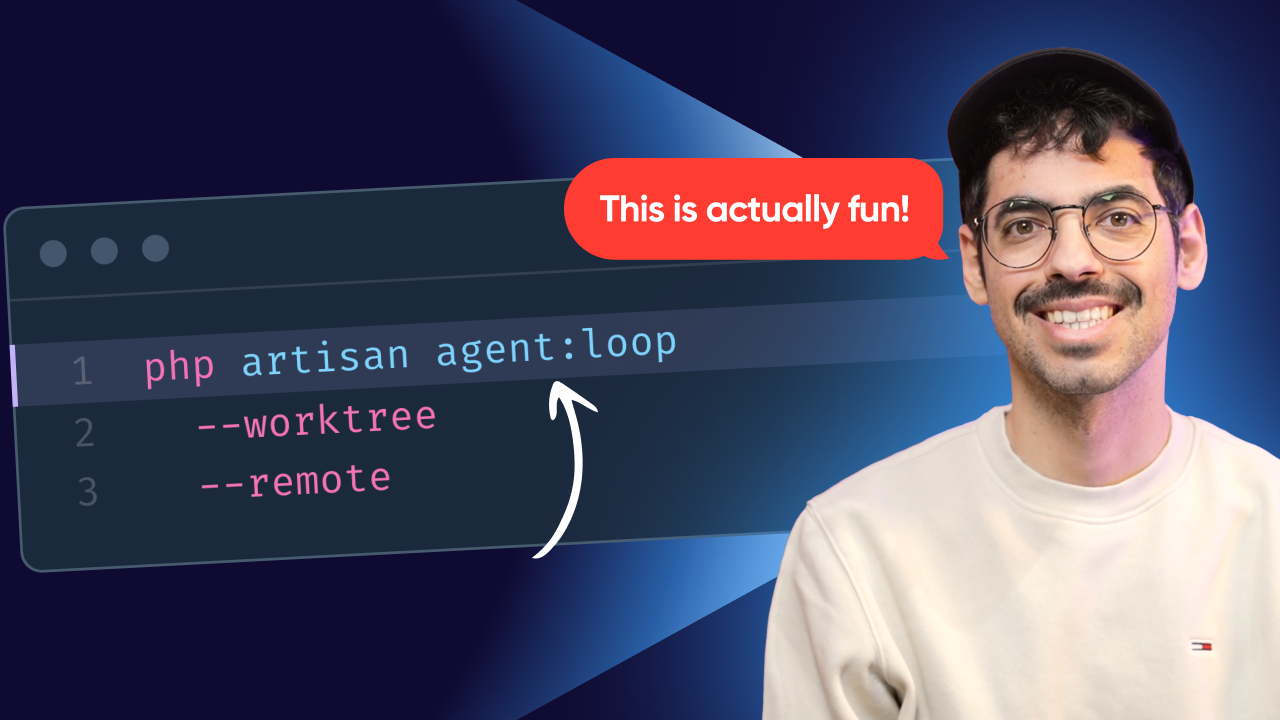
php artisan agent:loop --worktree --remote
Behind the scenes, this will do exactly the same as a local agent, only over SSH. This means I can test my point-of-sales Electron app on my machine while the agent is doing the same, but on his machine.
And this is a thing I even end up doing for my Laravel projects, because this machine sits in my home office and I often switch devices, it makes it very easy to have 1 central place to run agent loops.
Final words
My workflow has been changed drastically in 2026, but I don’t see this as a bad thing, because I truly find joy in shipping features the agentic way. I can spend more time thinking about how we want to tackle specific problems and let the agent fill in the blanks.
At the end of the day, this workflow is a HUGE net gain for me personally because I can ship features faster than ever. We’re still a small team, so our customers really benefit from this faster development cycle.
And I want to be very clear, this doesn’t mean I stopped coding by hand.
I review the agentic code in great detail and definitely don’t accept any slop into my codebase, so there’s a good amount of manual coding left in my workflow - which I still enjoy.
Did your workflow change? Shoot me a message on X and let me know 😉
No spam, no sharing to third party. Only you and me.